-
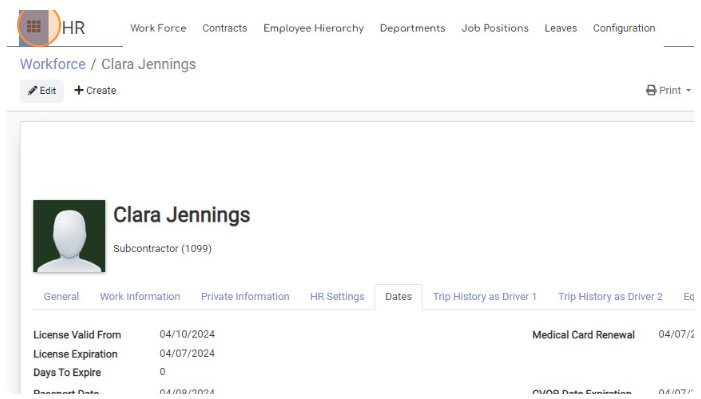
Click Main menu icon.
-
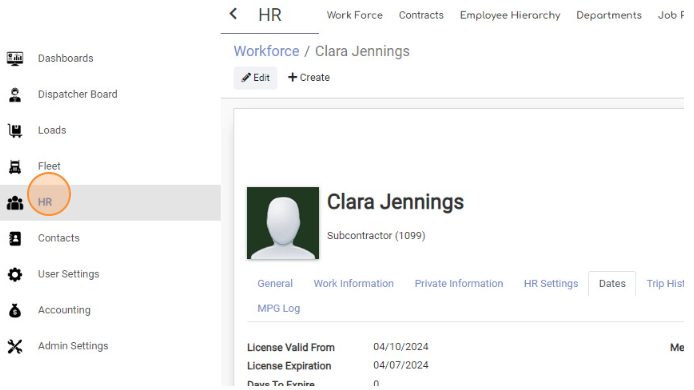
Choose “HR” page
-
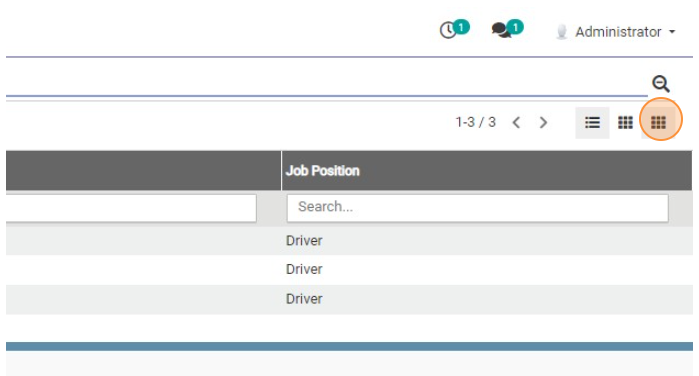
Click View Activity button.
-
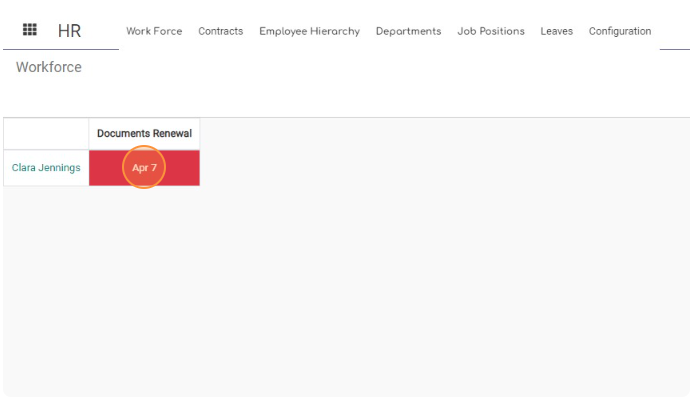
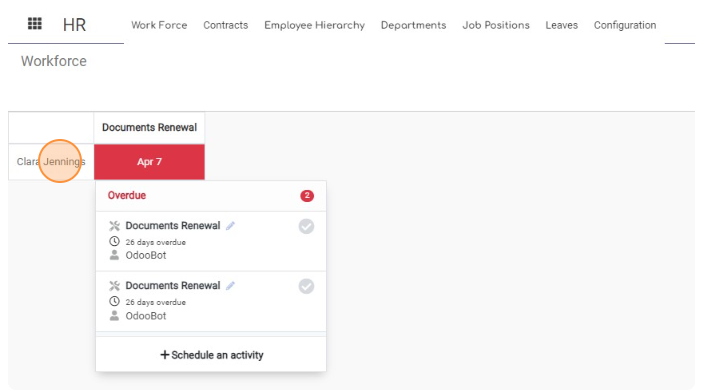
Now you will see list of employees that have expired documents. Click on Date to see more details.
-
Click on employee Name to navigate to his page for more details. For example click on “Clara Jennings”
-
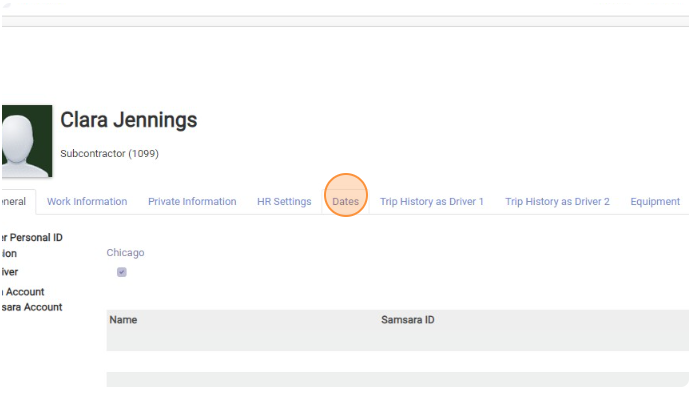
Click “Dates”
-
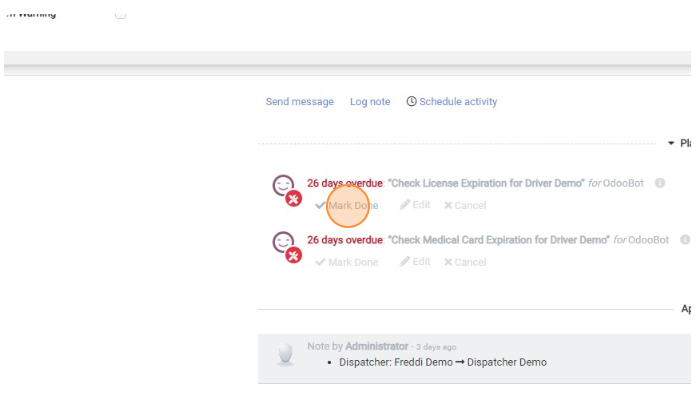
Scroll down to the Log and check what Documenta are Expired or going to Expire. When you got new Document click “Mark Done”
-
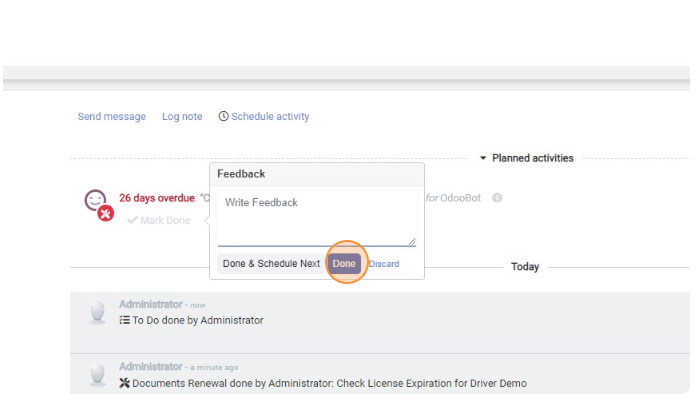
Click “Done”
-
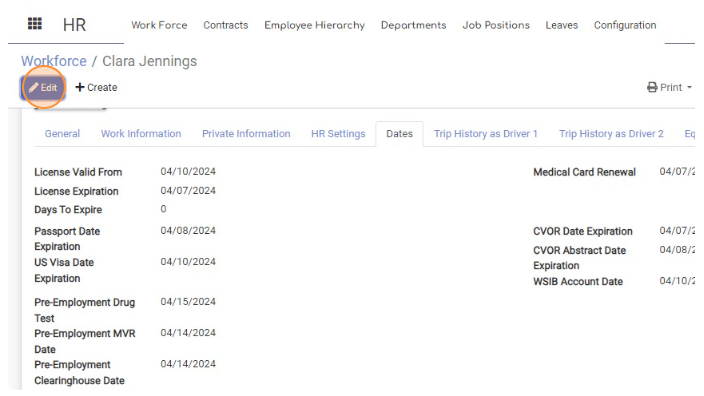
Click “Edit”
-
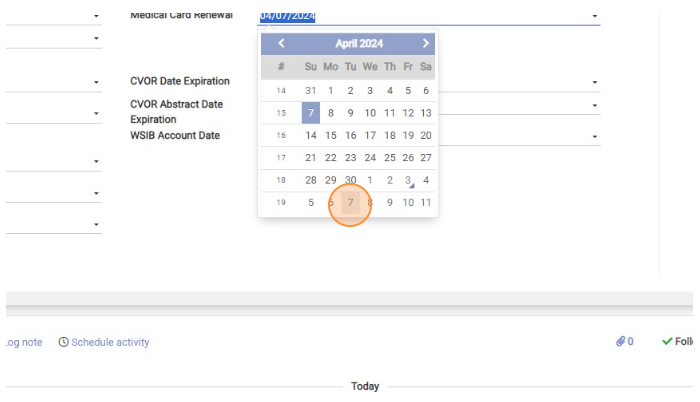
Add new Expiration date for the document
-
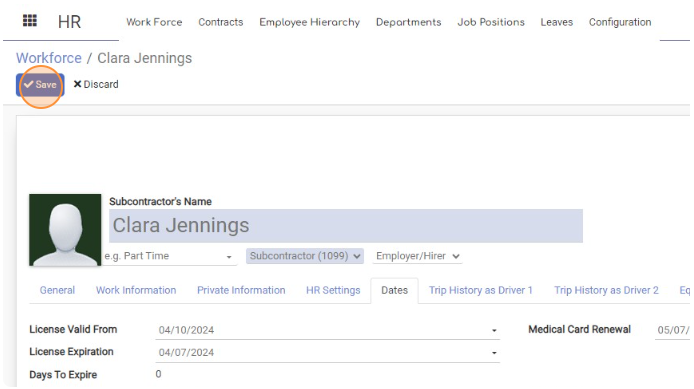
Click “Save”

Receive Document Expiry Warnings
< 1 min read


Powered by BetterDocs