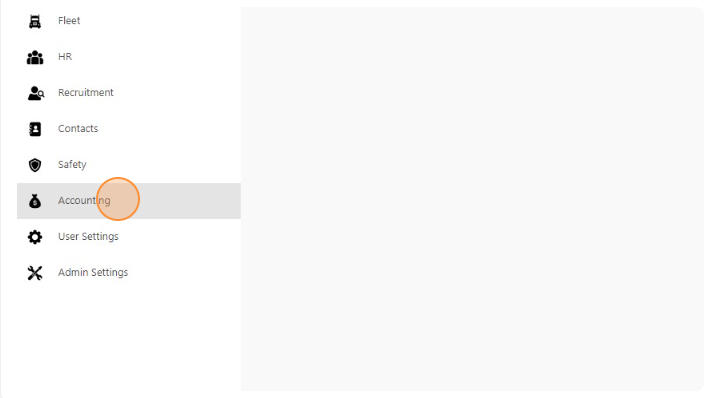
- Click “Accounting”
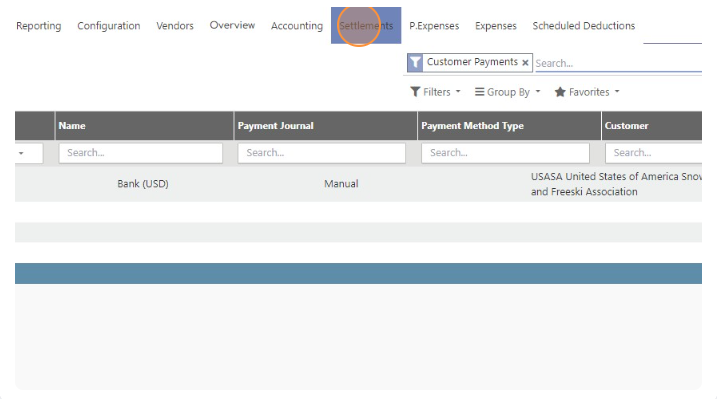
- Click “Settlements”
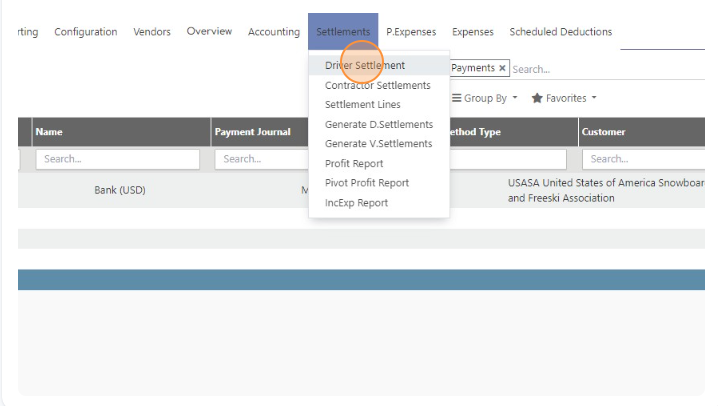
- Click “Driver Settlement”
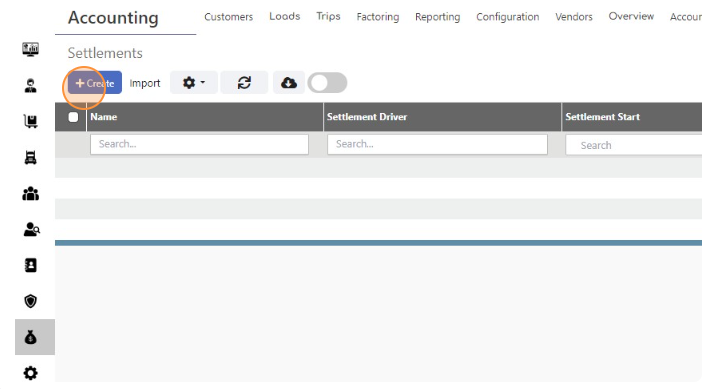
- Click “Create”.
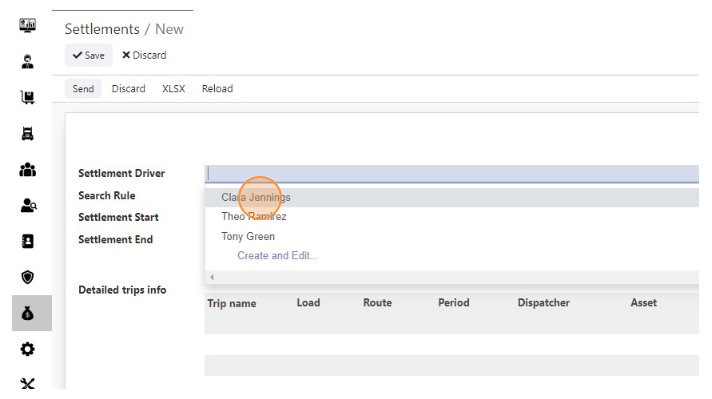
- Select the Driver
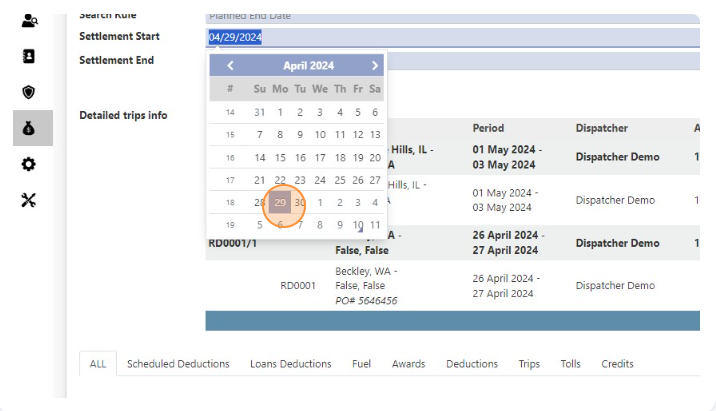
- Select Settlement Start Date
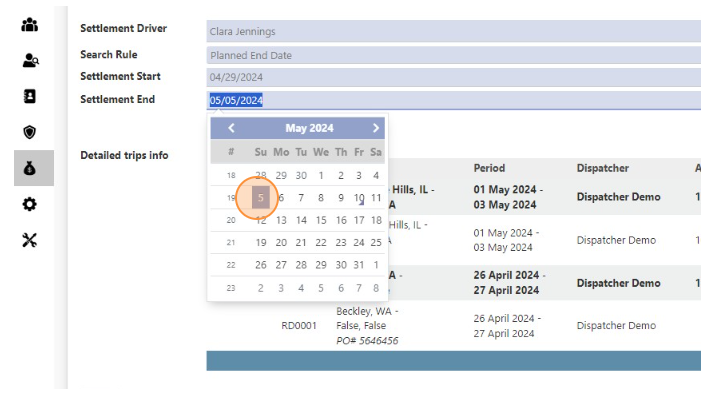
- Select Settlement End Date
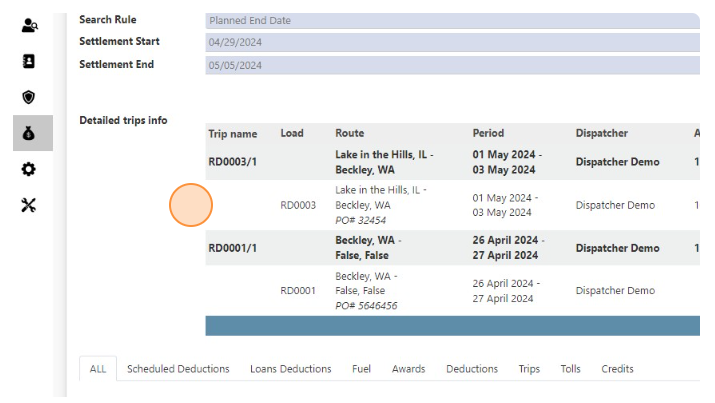
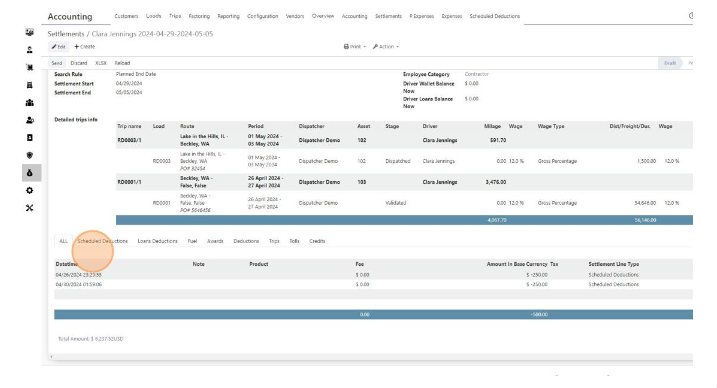
- You will see all Trips and Loads in “Detailed trips info”
- You will see all awards and deduction in this section
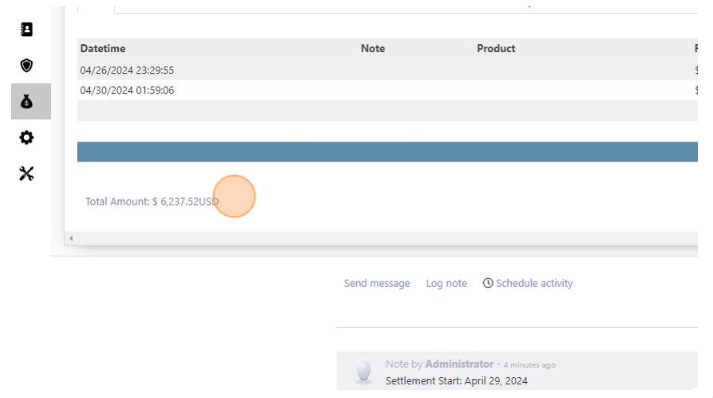
- Here you can check Settlement Total to pay
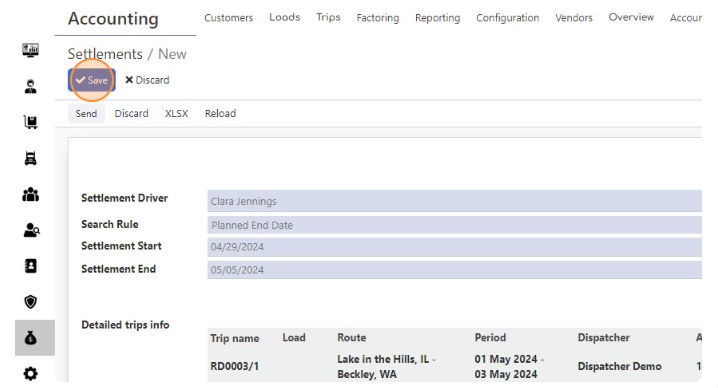
- Click “Save”

Create Settlement for Driver
< 1 min read


Powered by BetterDocs