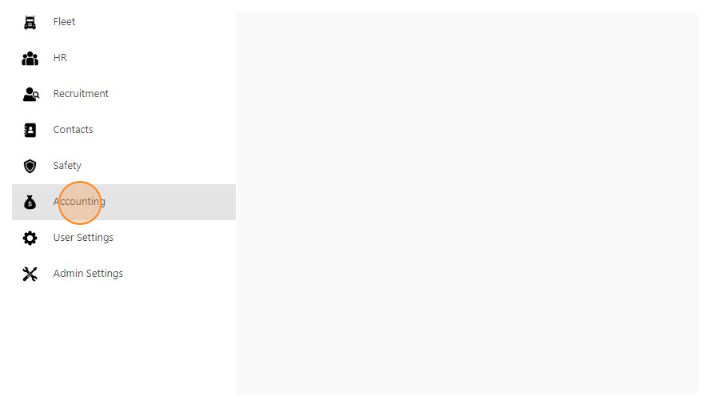
- Click “Accounting”
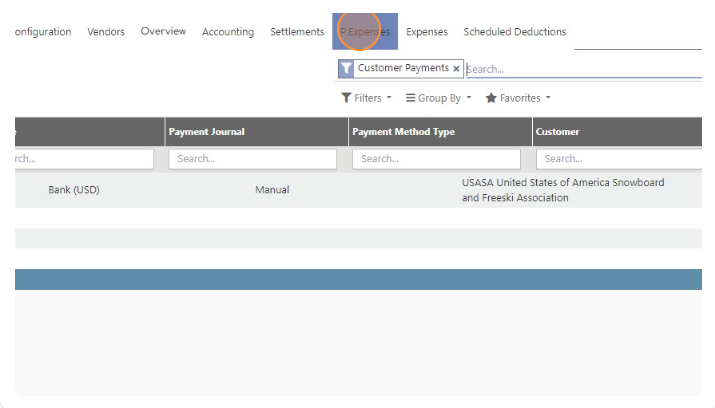
- Click “P. Expenses”
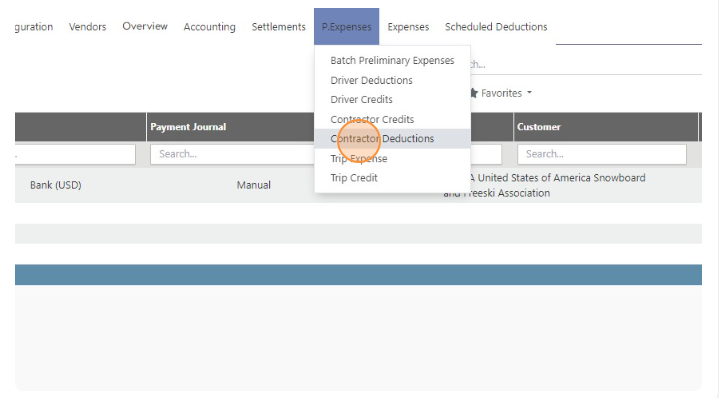
- Click “Contractor Deductions”
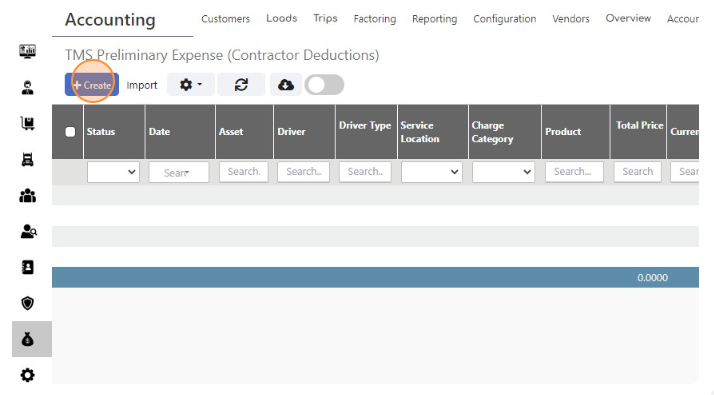
- Click “Create”
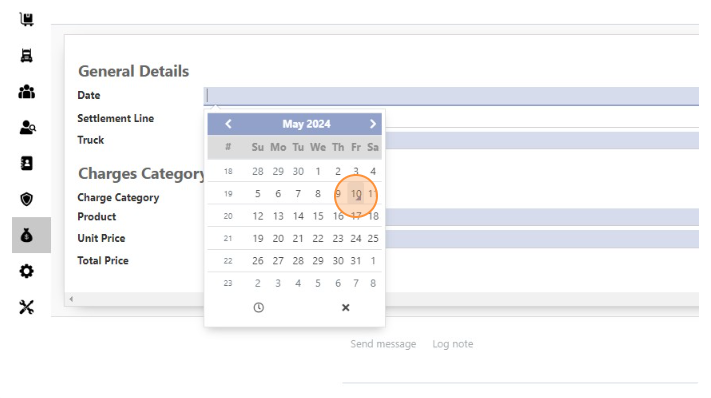
- Select Date
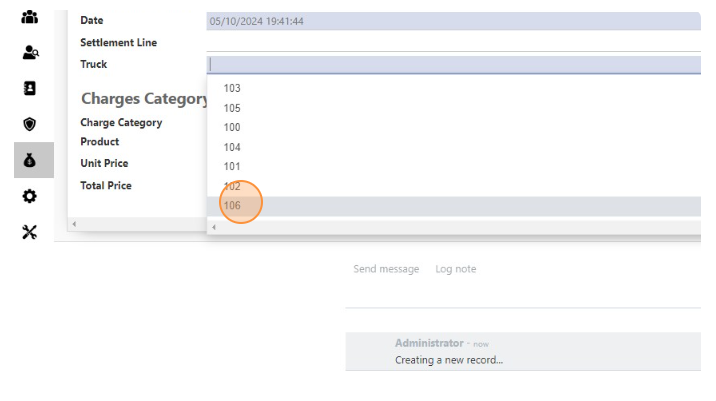
- Select Truck
- Click the “Product” field.
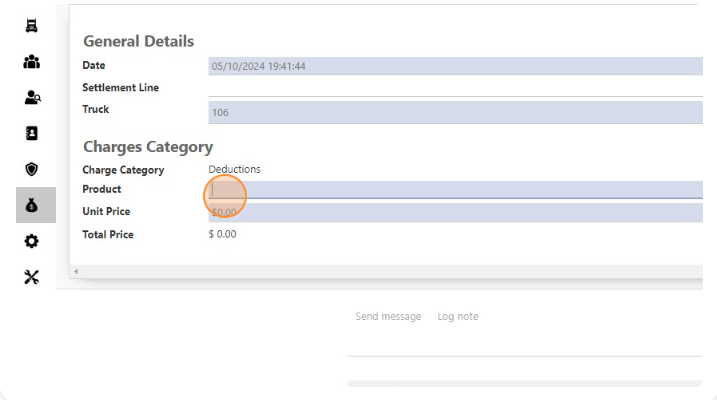
- Select Product
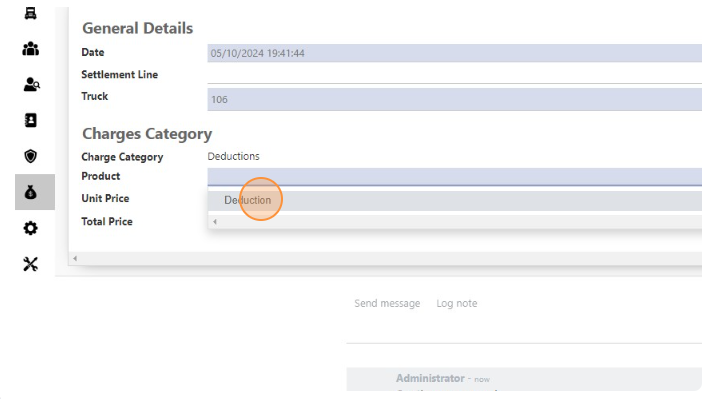
- Click the “Unit Price” field.
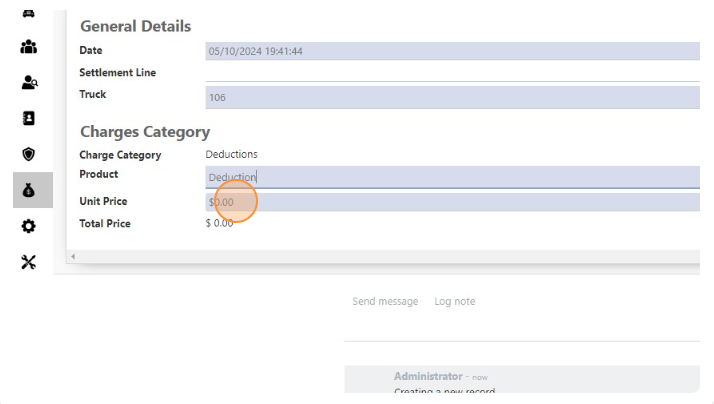
- Add amount in “Unit Price” field
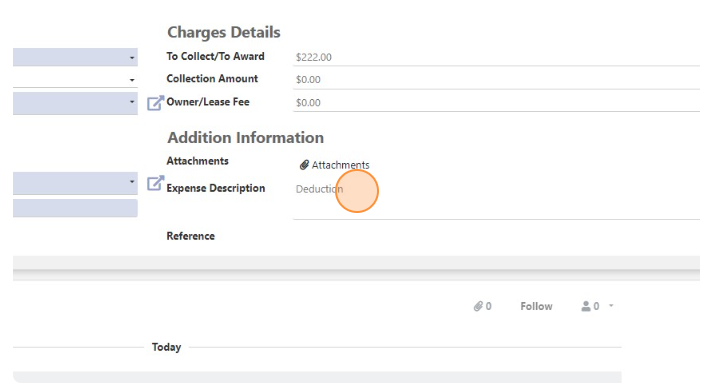
- You can add more details in the “Expense Description” field.
- Click “Save”
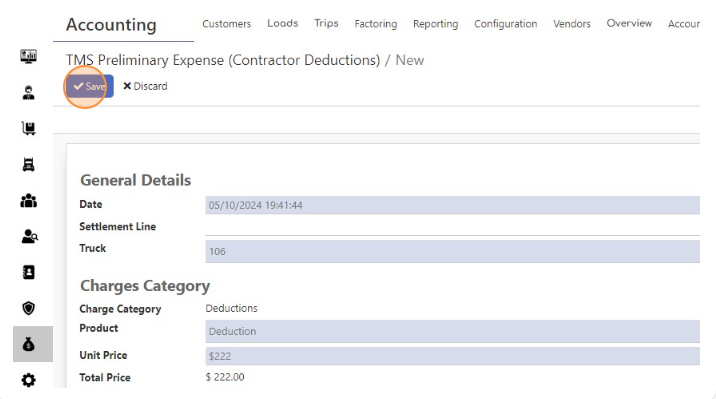
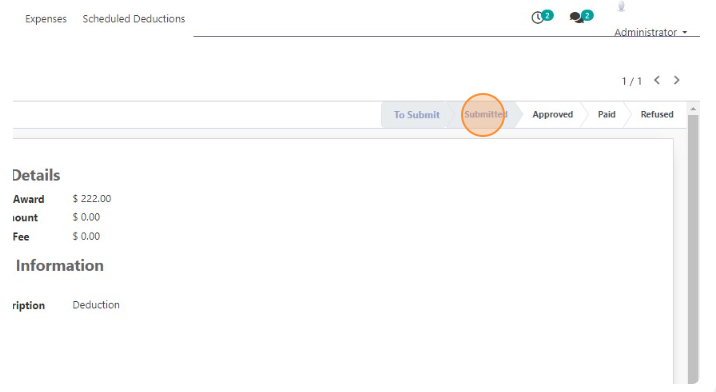
- Click “Submitted”