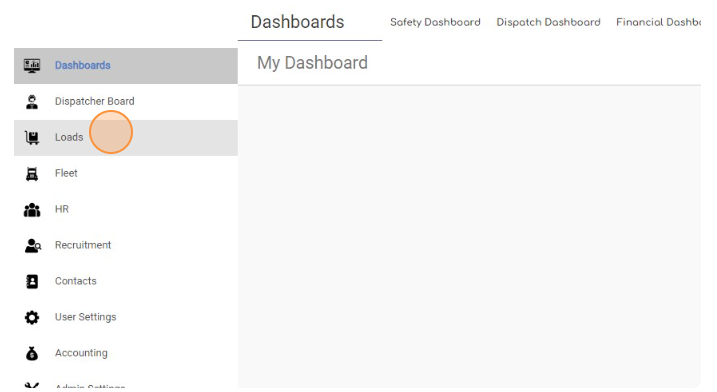
- Navigate to “Loads” page
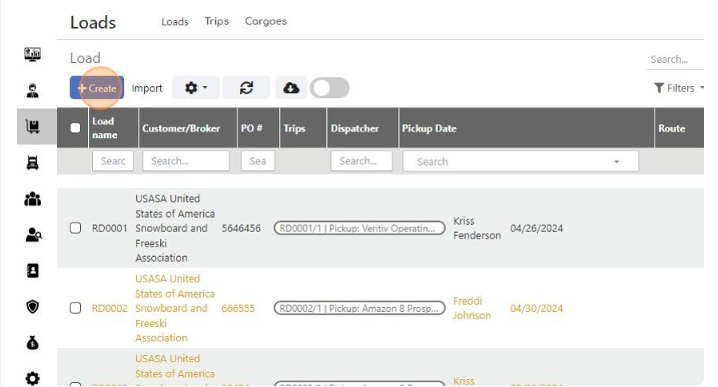
- Click “Create”
-
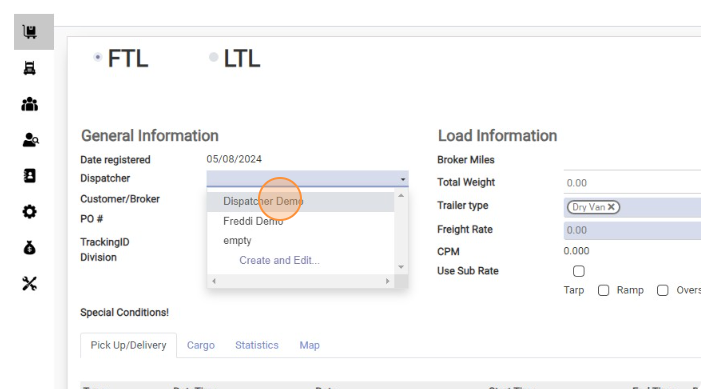
Select Dispatcher
-
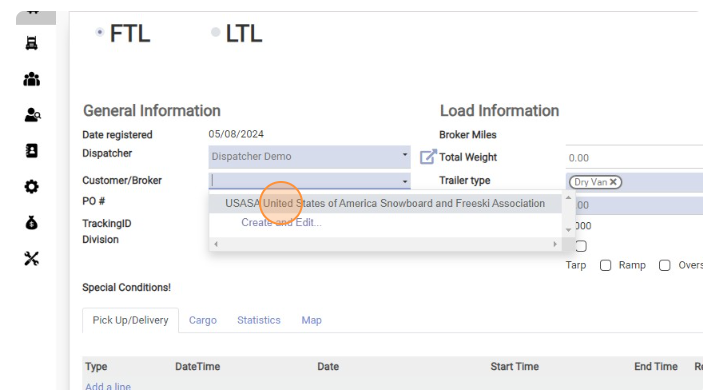
Select Broker
-
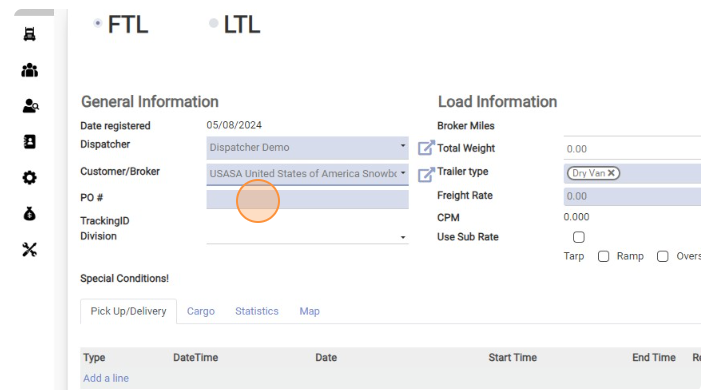
Click the “PO #” field and enter Broker Load Number here.
-
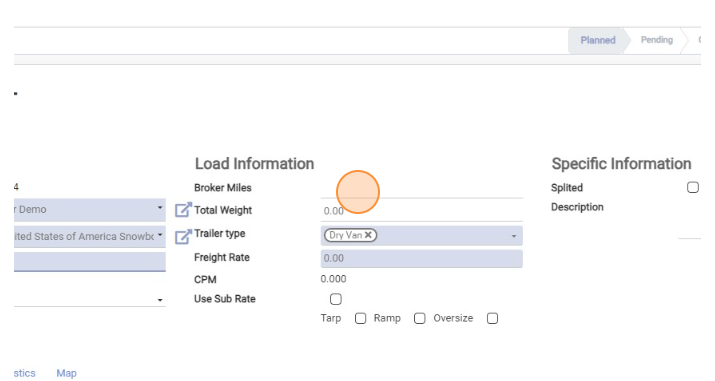
Click the “Broker Miles” field and enter Miles from RC here
-
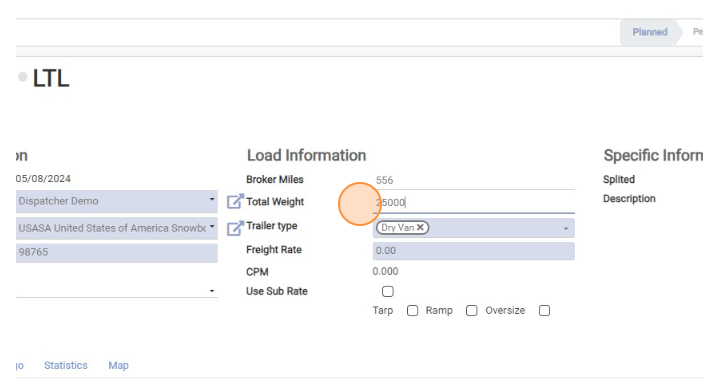
Enter “Total Weight”
-
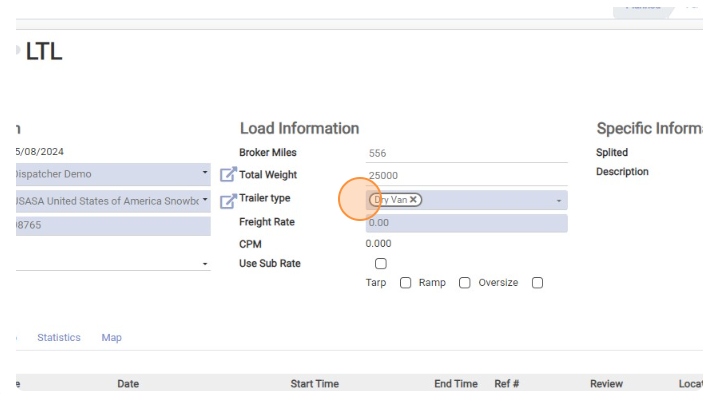
Select Trailer type
-
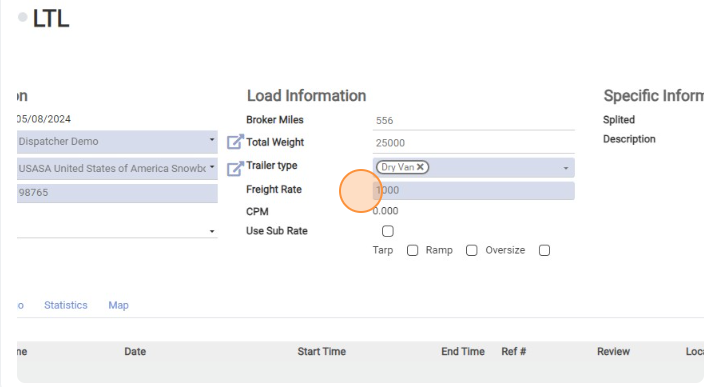
Enter “Freight Rate”
-
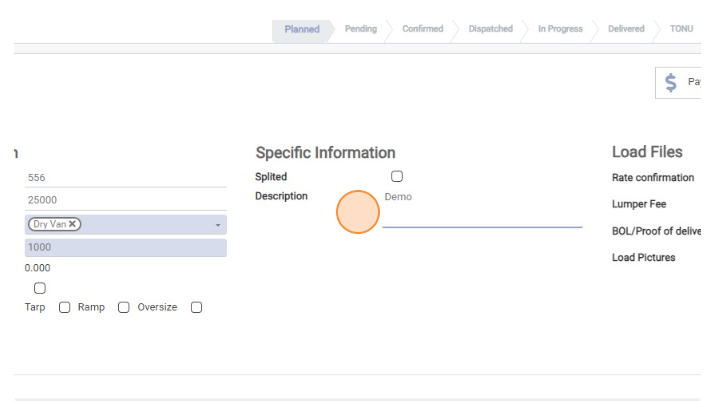
“Description” field is internal, its visible for Dispatcher and Accountant only. Here you can input information for Accountant
-
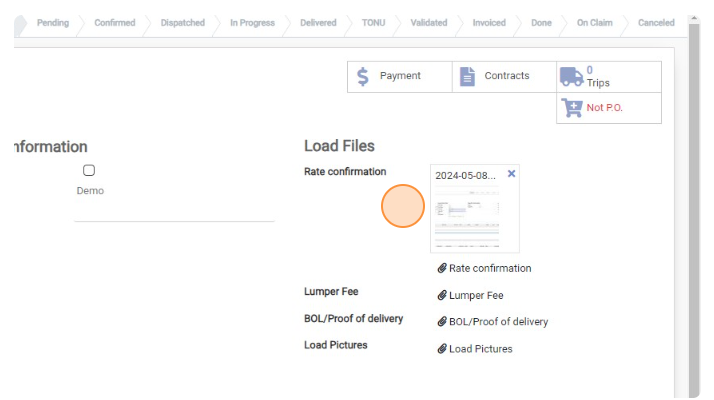
Upload RC in “Rate confirmation” field.
-
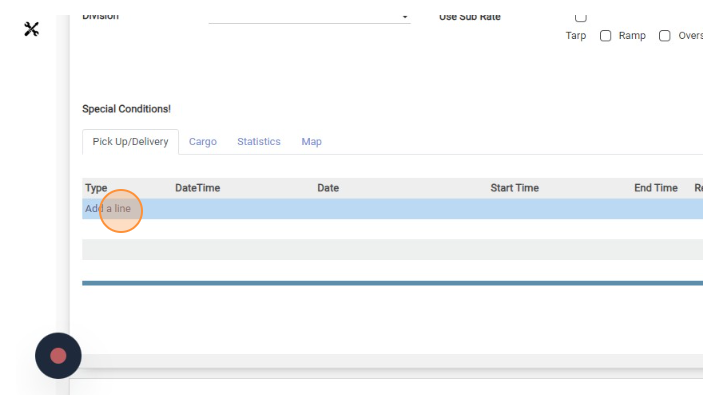
Now its time to add Pickup and Delivery locations. Click “Add a line”
-
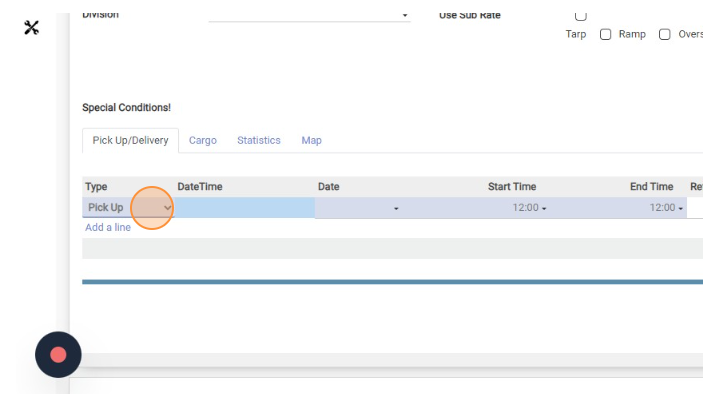
Select Pick Up
-
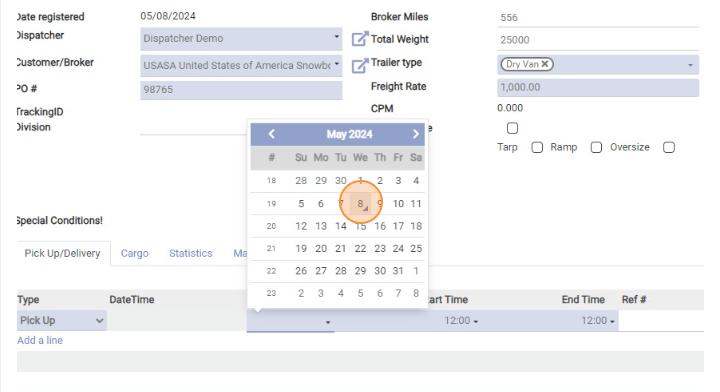
Select pick up Date
-
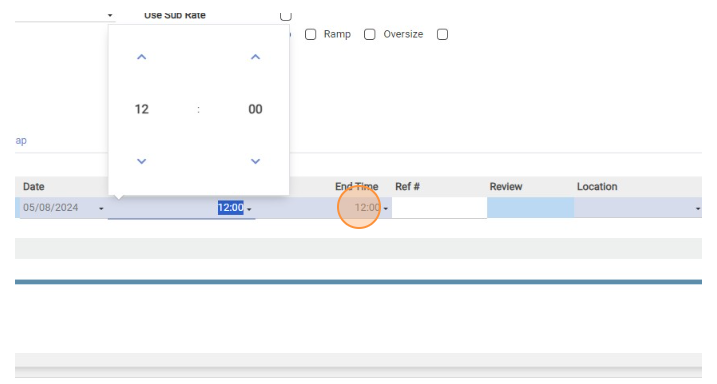
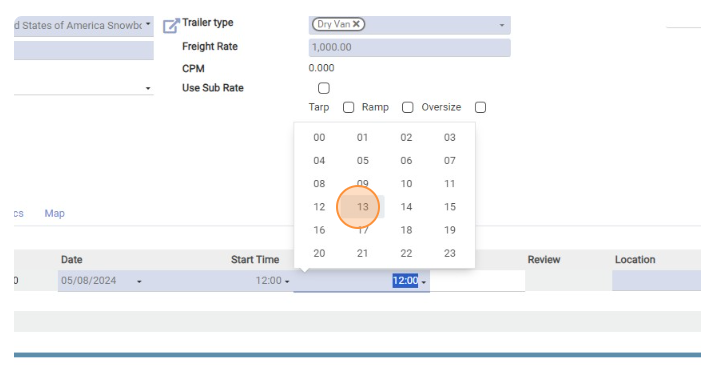
Select pick up Time
-
You can choose Start time and End Time
-
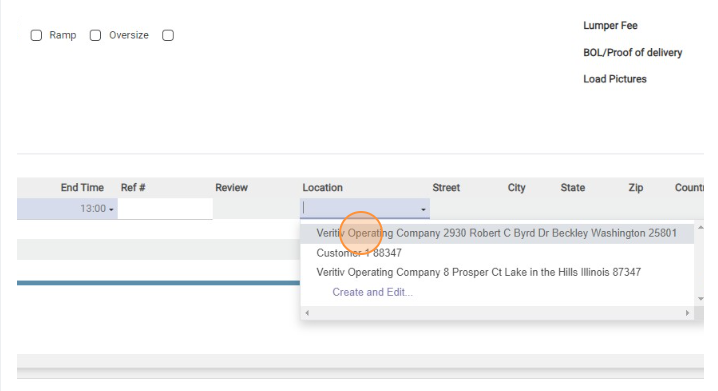
Select Pick up location. You can search for location using zip code or address
-
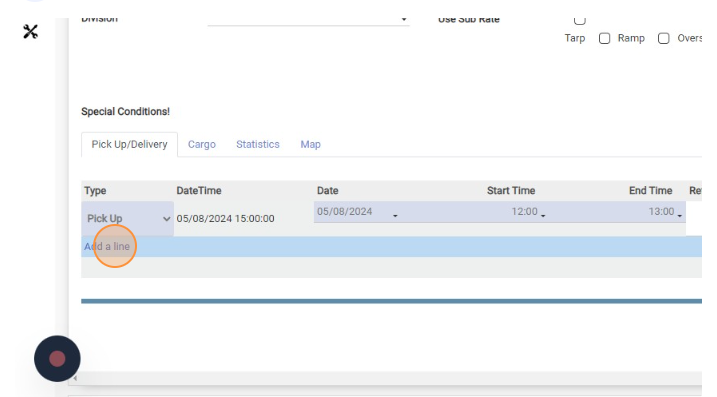
Click “Add a line”
-
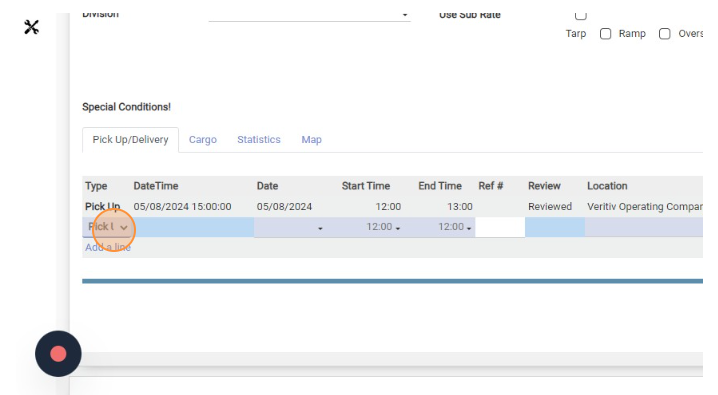
Select Delivery
-
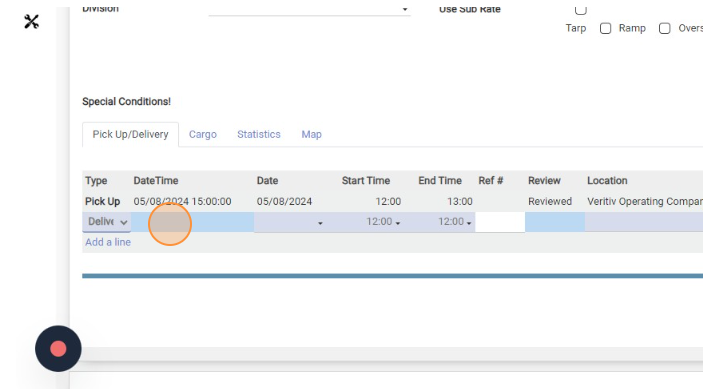
Click here.
-
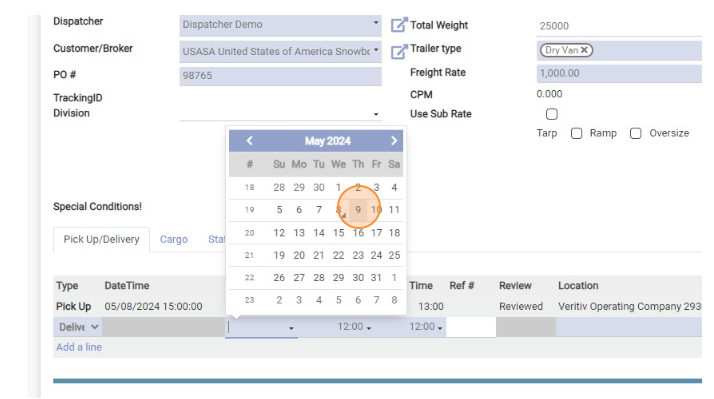
Select Delivery Date
-
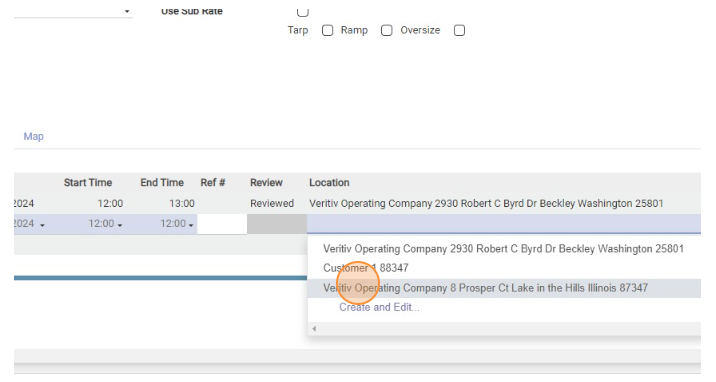
Select Delivery Location
-
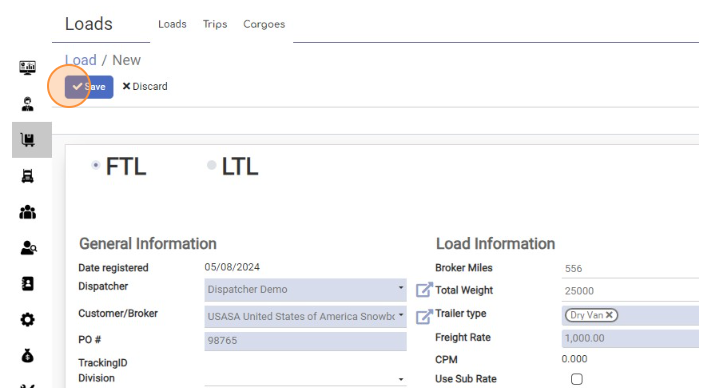
Click “Save”

Create FTL Load
< 1 min read


Powered by BetterDocs