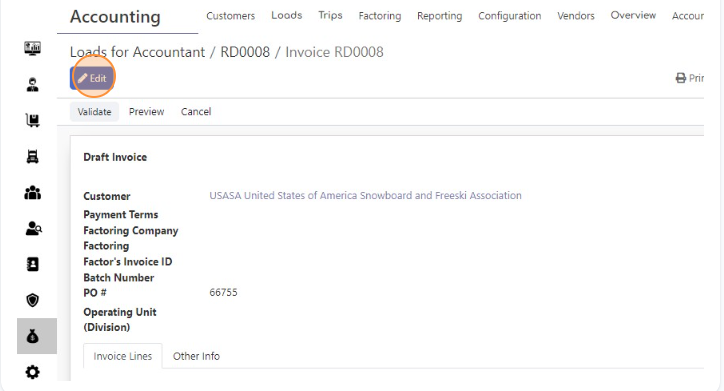
- Open invoice and click “Edit”
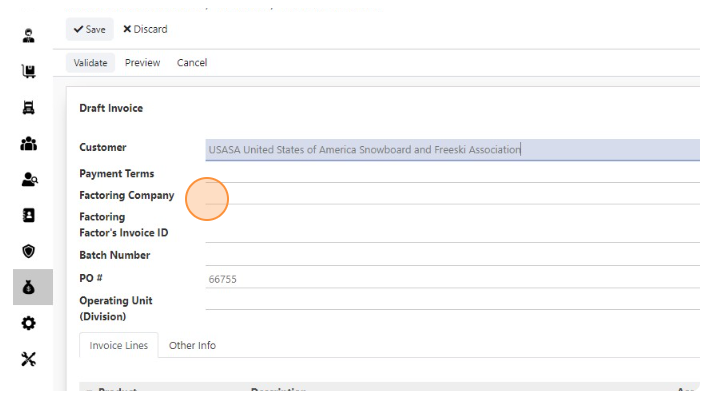
- Click the “Factoring Company” field.
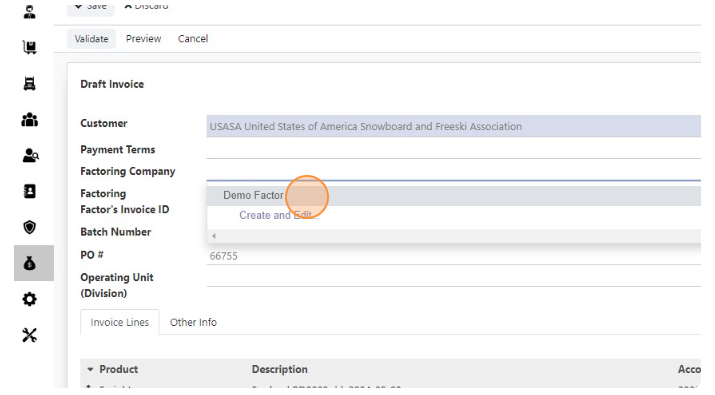
- Select Factor
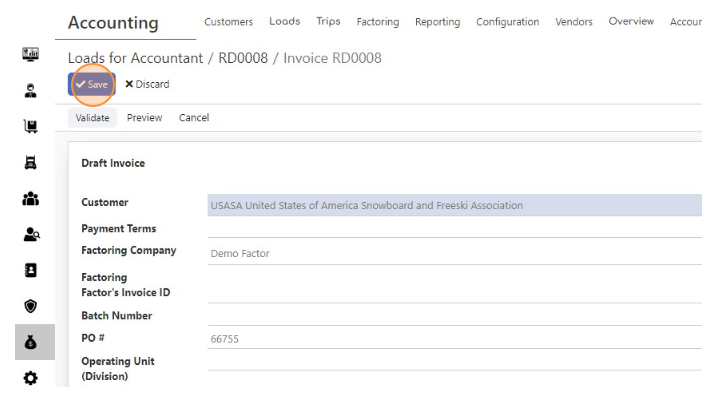
- Click “Save”
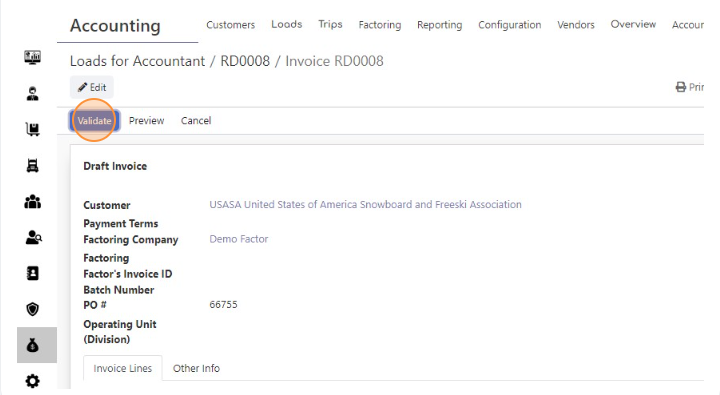
- Click “Validate”
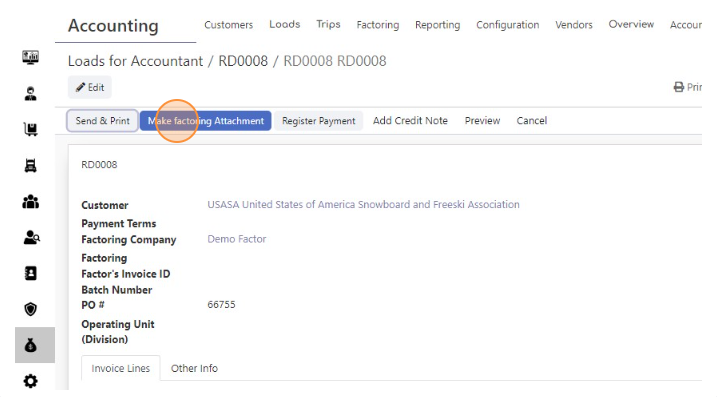
- Click “Make factoring Attachment”
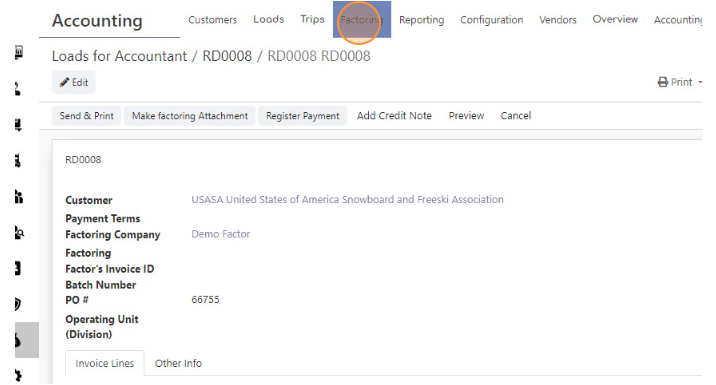
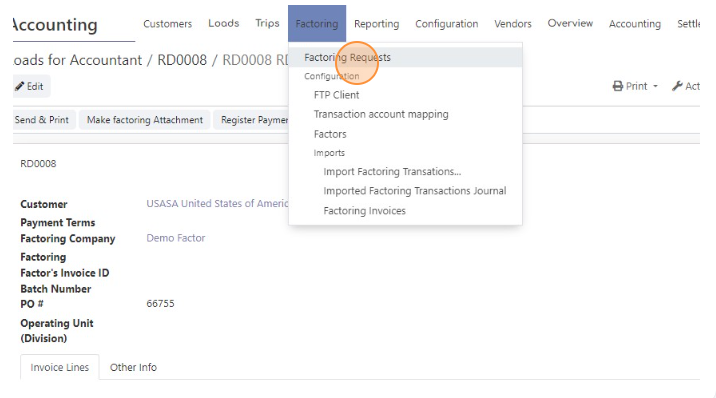
- Click “Factoring”
- Click “Factoring Requests”
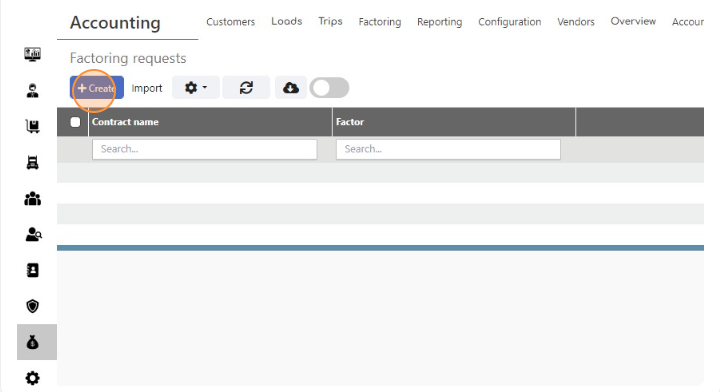
- Click “Create”
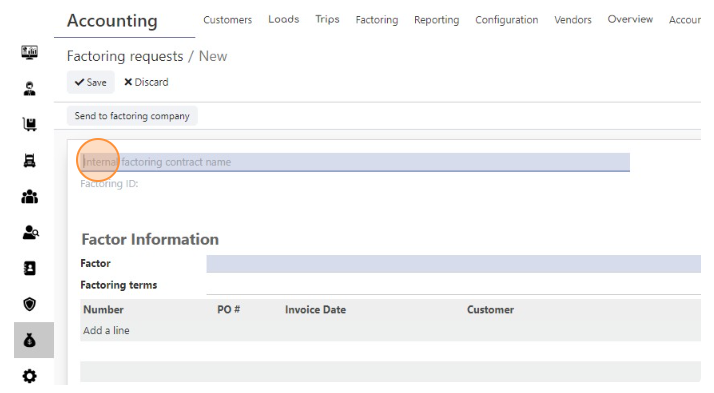
- Click the “Internal factoring contract name” field.
- Enter Factor request name (usually its Date)
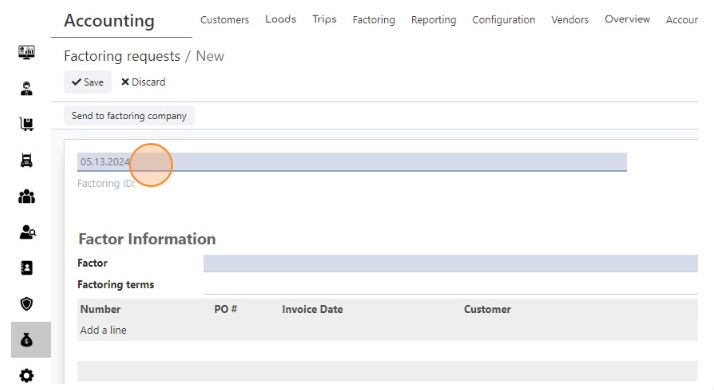
- Click the “Factor” field.
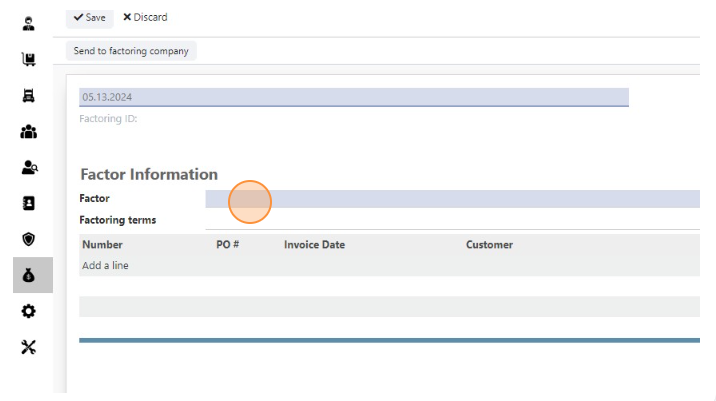
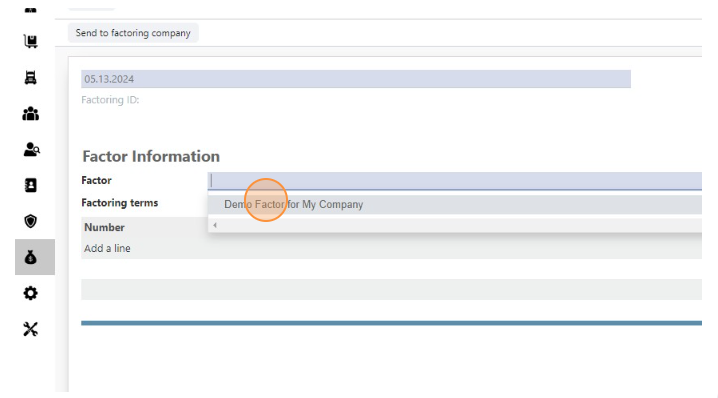
- Select Factor
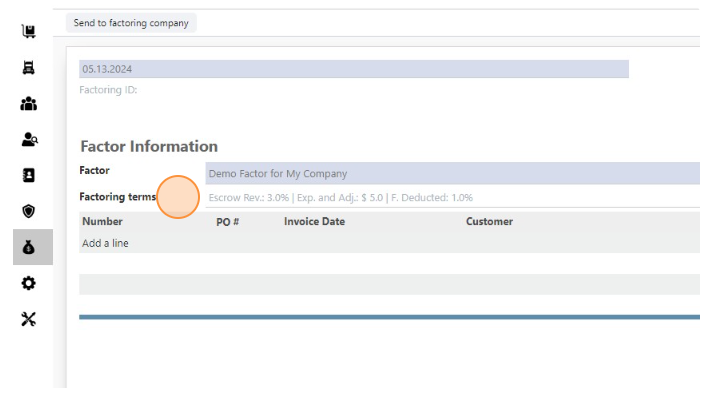
- You will see Factoring terms here
- Click “Add a line”
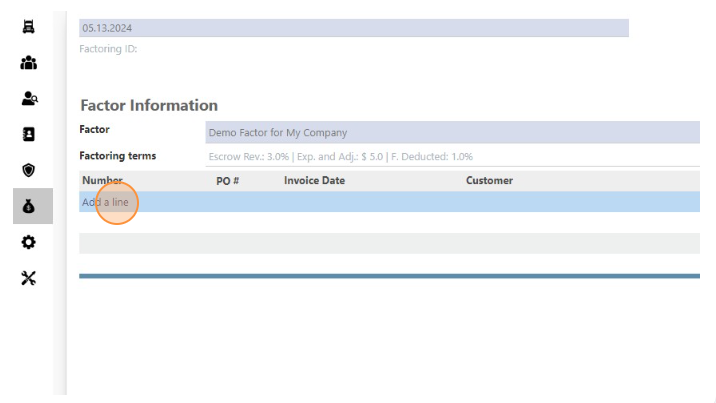
- Select All Invoices for this Factor
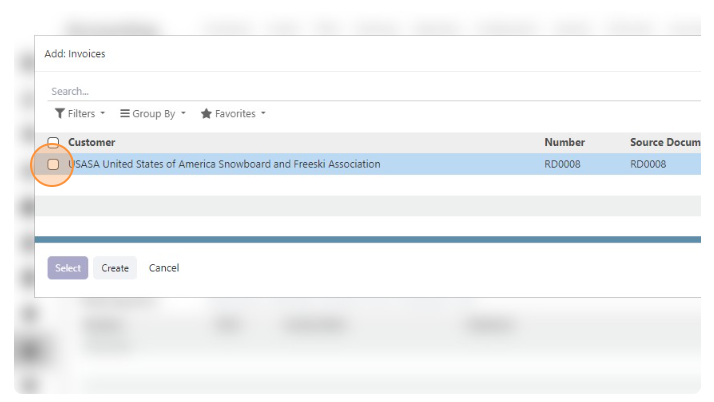
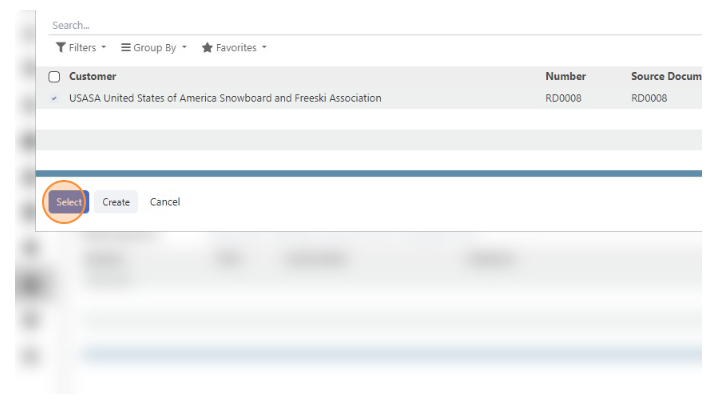
- Click “Select”
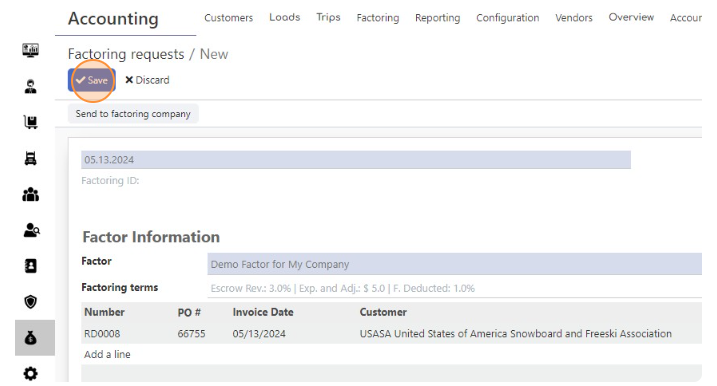
- Click “Save”
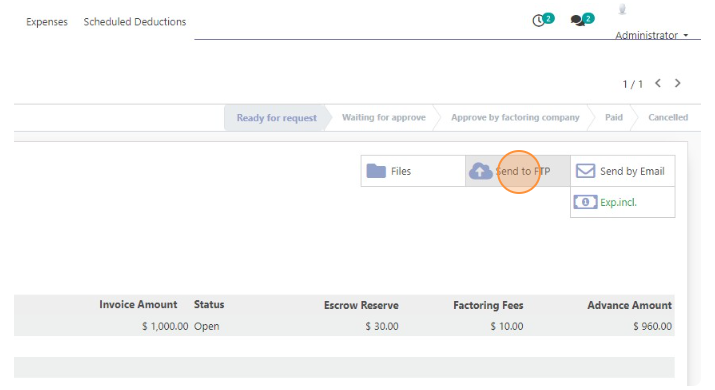
- Click “Send to FTP
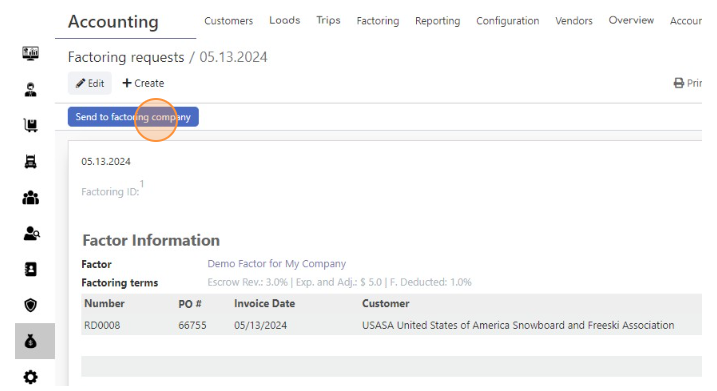
- Click “Send to factoring company”